
What is Appointment Type?
Appointment Type tells your team how a stop operates:
- Not needed → No appointment required
- Firm appt → Fixed scheduled time required
- FCFS (First Come First Serve) → Handled based on arrival
Where You Can Set It
1. Saved Addresses (Default Setup)
Go to:
Settings → Saved Addresses → Open any address
Inside the address, you will see:
- Appointment type dropdown
- Options: Not needed / Firm appt / FCFS
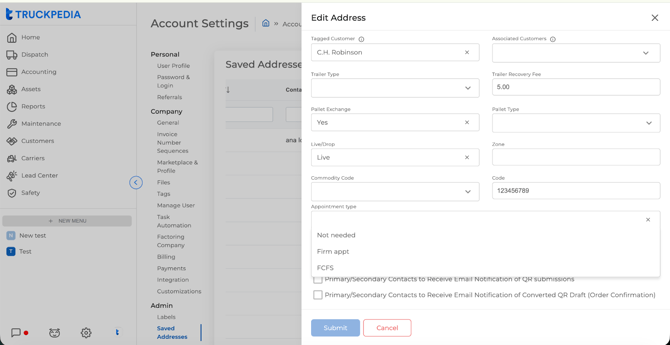
This sets the default behavior for that location
2. Load (Shipper / Receiver)
Go to:
Dispatch → Open Load
Inside both Shipper and Receiver, you will see:
- Appt Type dropdown
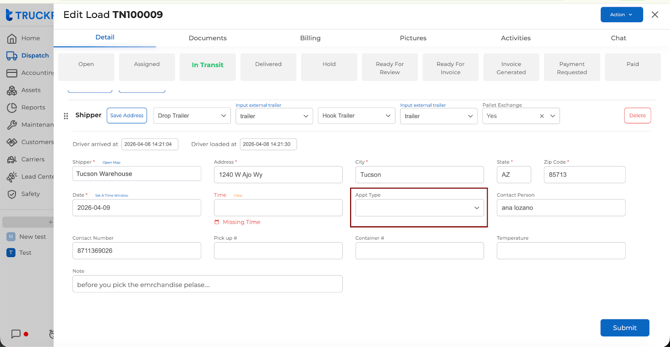
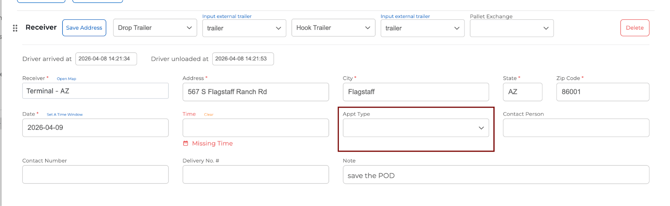
This is where you can adjust per load if needed
How It Works Together
- When you select a Saved Address in a load:
- Its Appointment Type is automatically applied
- You can still change it manually inside the load
How It Shows in Dispatch
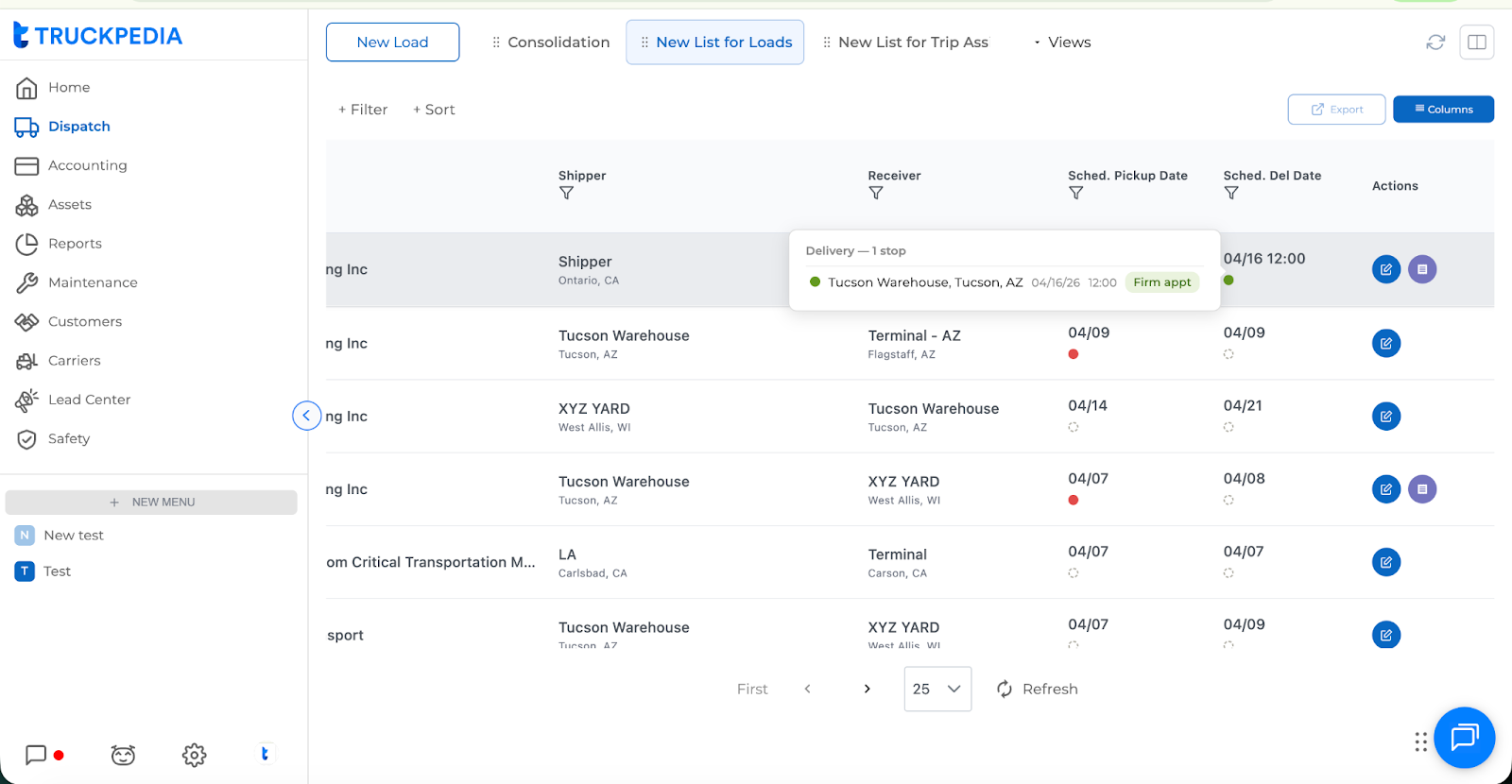
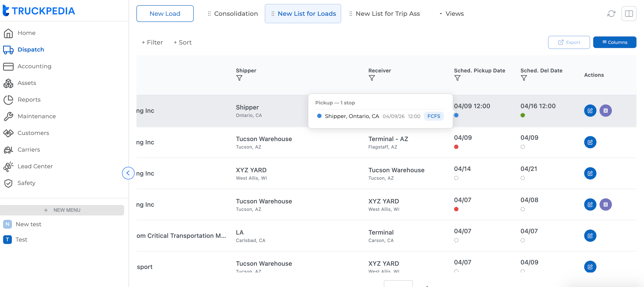
Appointment Type is visible directly in the Load List
- Colored dots appear in:
- Scheduled Pickup Date
- Scheduled Delivery Date
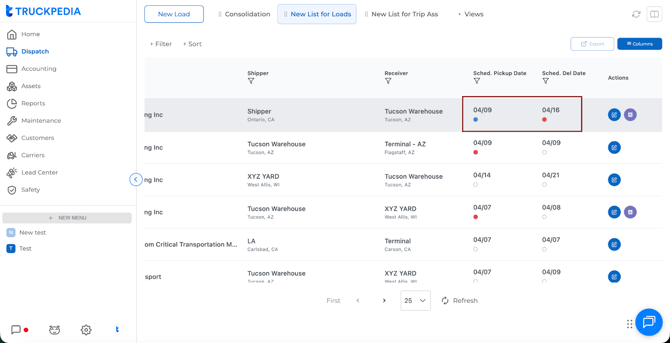
Hover Details
When you hover over pickup or delivery:
You will see:
- Location (name, city, state)
- Date
- Time
- Appointment Type (FCFS / Firm)
Key Notes
- Appointment Type is set per stop (pickup & delivery separately)
- Saved Addresses help standardize setup
- Load-level selection allows flexibility per shipment
For further questions, contact us at help@truckpedia.io.